Ultimate
DeepLiveCam Ultimate
One photo. Endless characters. Transform your webcam, reinvent your videos, and bring portraits to life with a complete creative toolkit built for your next live performance.
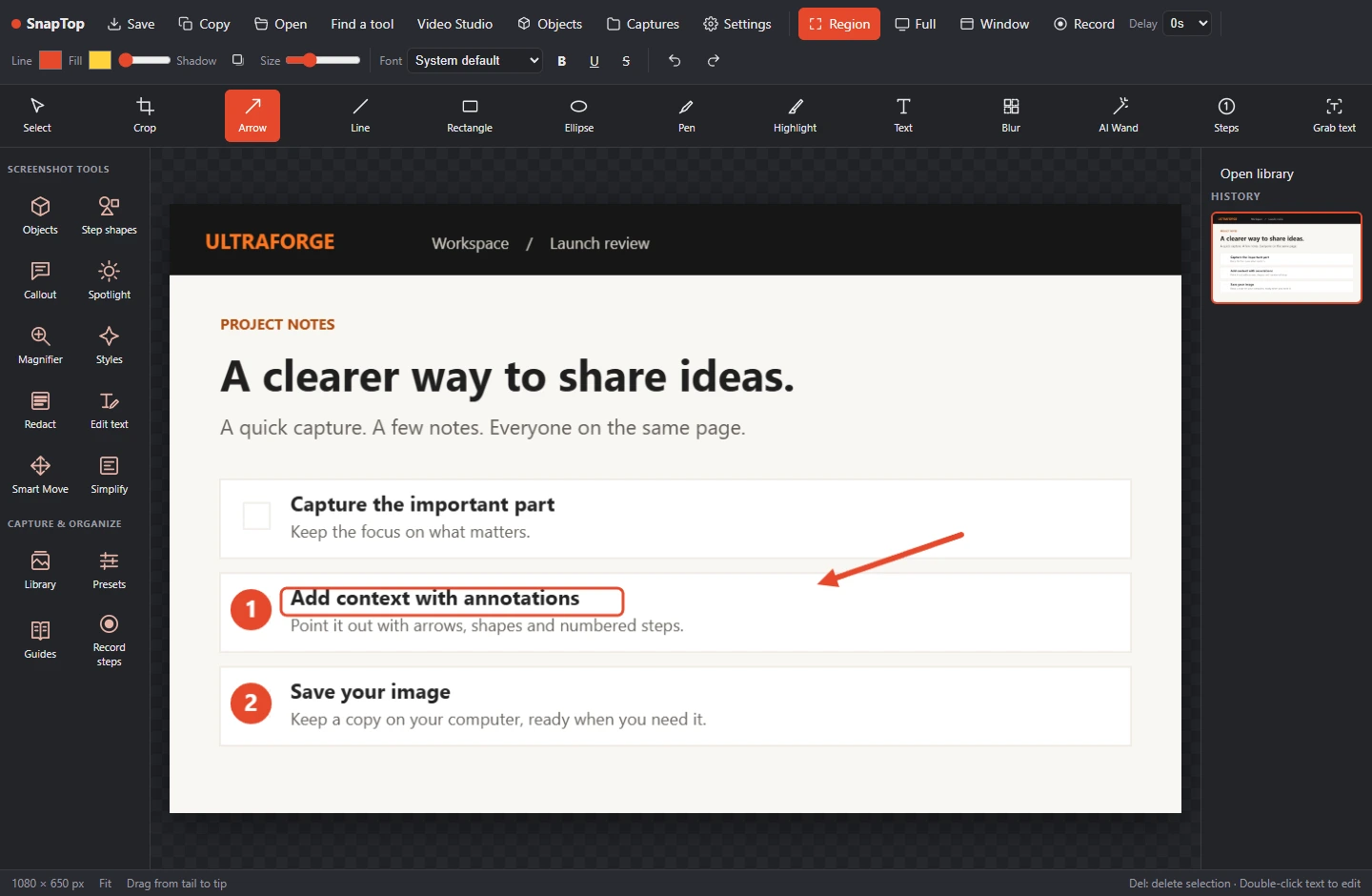
See the real workspace.
Choose Modern View for an integrated preview and more settings, or Classic View for the main controls. These are actual screenshots from the activated Ultimate 2.8 UI review, captured on Windows on October 13, 2026. No source or target is loaded; these show the interface, not processing results. Controls can vary with hardware.
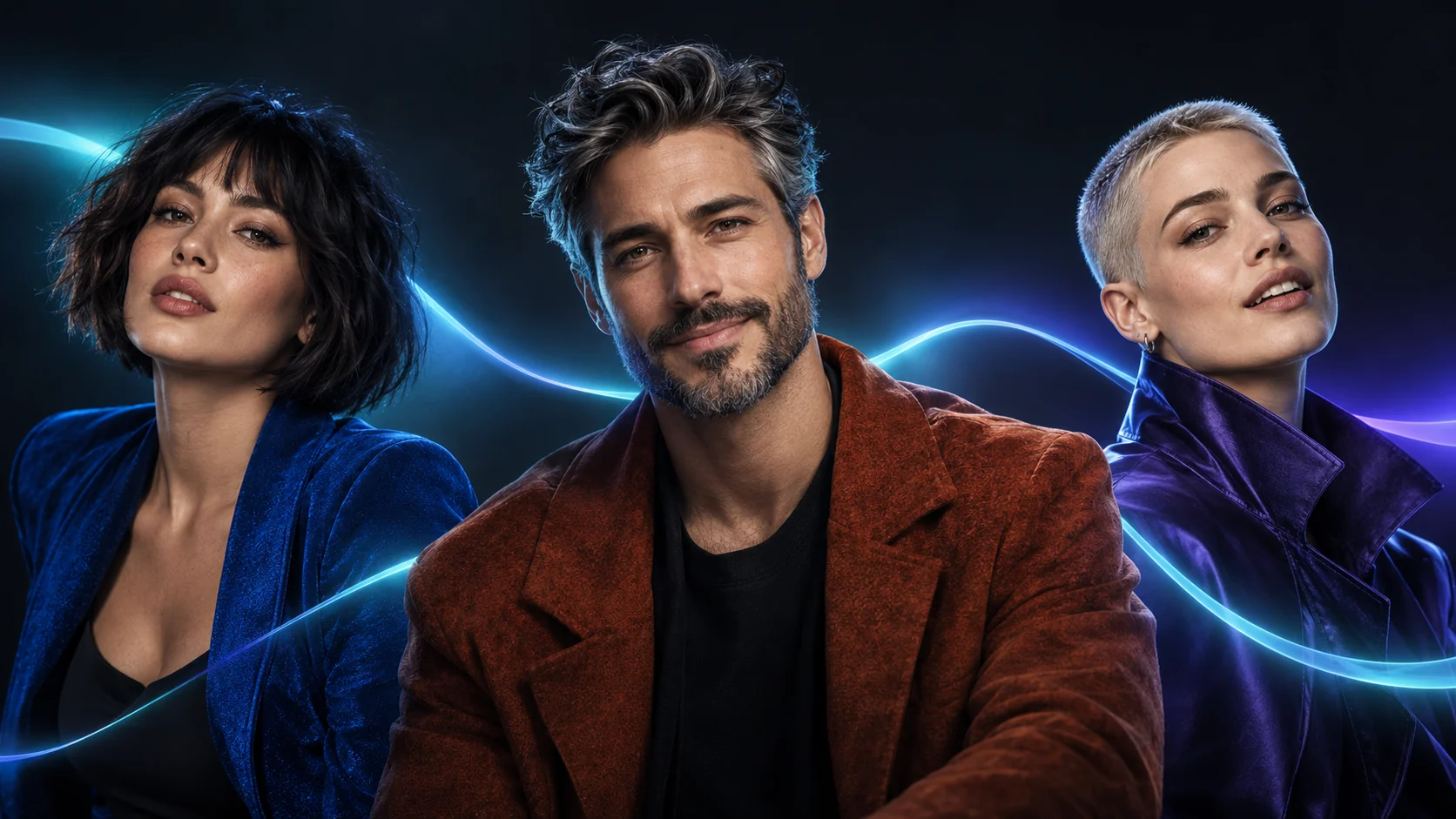
Your camera. Your character. Your moment.
From a quick face switch to a whole new on-screen persona, Ultimate puts the creative controls at your fingertips. Give your audience something to watch.
+400% faster than ever!
More momentum for your next performance. Speed is at the heart of Ultimate.
Optimized for the target operating system
Choose the build made for your platform: Windows with NVIDIA or AMD graphics, or an Apple Silicon Mac.
Simpler installation process
Platform-specific installers and guided setup help you get from download to your first transformation with less friction.
Speed headline supplied by the developer; the +400% comparison has not been independently benchmarked here. Actual performance varies with hardware, resolution, models, and effects.
One face. A whole new performance.
Go live, reinvent a clip, or put a new face into your next creative project.
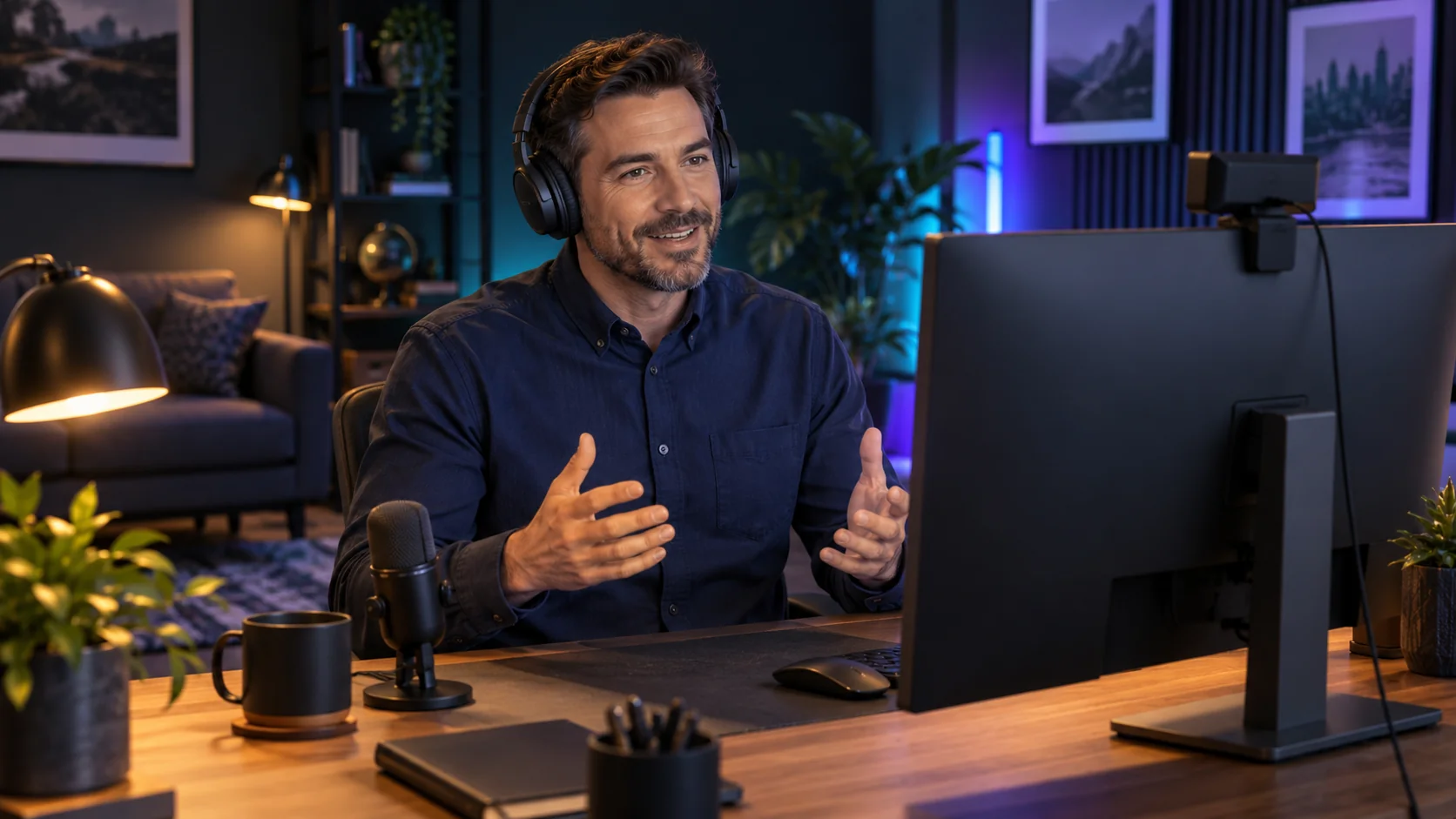
Live face swapping
Turn a single source photo into a live webcam transformation. Change your character while the camera keeps rolling.
Image & video face swaps
Give photos and recorded footage a new cast, preview the result, and save your transformed output.
Video frames & previews
Find the moment you want with the video-frame picker, choose a face, and use Preview to check your look before starting an export.
Map faces & Many faces
Assign a different source face to each person, or transform every detected face together. Make group scenes part of the fun.
Face Fader & live Remap
Ease from one face into another with adjustable transition timing. Update your face assignments during a live session.
Library, Favorites & Face Picker
Keep your cast close at hand. Organize faces into folders, star favorite images, and pick an individual face from a photo or video frame.
Create a character worth watching.
Explore fresh identities and bring a portrait into your performance from the same workspace.
Your choice of swap models
Find the look that fits with InSwapper, ReSwapper, or HyperSwap. Choose an available Variant to tune your character's appearance.
Generate Face
Find a fresh AI-generated face right from the source or target selector. Fetch a random synthetic portrait without searching for one; internet access is required.
Live Portrait
Bring a portrait to life with your on-camera performance. Choose Human or Animal from the Variant menu when Live Portrait is available on your system.
Make every close-up count.
Dial in the details that help your transformation belong in the scene.
Face Enhancer
Bring back sharper facial detail with GFPGAN-1024, GPEN-BFR-256, or GPEN-BFR-512. Adjust the Scale control to suit your shot.
RTX Upscaler & low-light Denoise
Lift clarity and clean up noisy camera footage with the RTX controls available on supported NVIDIA hardware. Extra processing can affect frame rate.
Opacity, Sharpness & Poisson Blend
Blend the replacement into the original face, refine sharpness, and soften differences in lighting at the edges.
Face Masking
Fine-tune Lip Mask, Forehead, Chin, Eyes, and Sides. Use the Marker control while refining where the transformation blends into your original face.
Fix Blueish Cam
Correct a cool camera tint with a dedicated switch, so your next on-screen appearance feels more natural.
LUT color grading
Set a consistent visual mood. Browse for a LUT in Modern View, try it on your footage, and clear it when you want to change direction.
Built for your next live session.
Keep the performance flowing and bring your output into the tools you already use.
Virtual Camera
Bring your transformed feed into compatible streaming and meeting apps using the Virtual Camera control. Your system needs a supported virtual-camera setup.
Window Projection
Put your live output in a separate window for another display or a streaming capture. Keep the controls on your main screen.
Camera & resolution controls
Choose your camera, refresh the device list, and switch between available output resolutions to balance detail and responsiveness.
Frame interpolation
Smooth motion with Modern View's Interp Method and Interpolation controls. Choose from the methods available in your app's menu.
Performance controls
Watch your FPS, select a GPU, enable Optimize Inswapper, or reduce GPU load. Modern View puts the extra performance controls within reach.
Classic View, Modern View & languages
Pick the layout that works for you. Switch to Modern View for the integrated preview, extra settings, and interface Language selector.
Give your next stream a new face.
Build your cast, perfect the look, and bring it live. Choose a platform plan below and unlock your Ultimate workflow.
The project that got the internet talking.
From TikTok clips and X posts to creator streams and worldwide headlines, explore 71 public Deep-Live-Cam mentions. Find discussions on LinkedIn, Reddit, Hacker News, Apple Podcasts, YouTube, Bilibili and RUTUBE, too. Use Load more to keep exploring.
IShowSpeed
50M+ YouTube subscribers
Live face-swap demonstrations on stream.
Sebastien Jefferies
TikTok
A short introduction to DeepLiveCam's single-photo live face swaps.
João · @jay_wooow
X
Shared early live face-swap experiments that appeared in international coverage.
SomeOrdinaryGamers
3.82M YouTube subscribers
A video discussion and reaction to live face swapping.
Linas Beliūnas
Discussed DeepLiveCam's live demos and what they mean for trust in online video.
Sabrina Ramonov · live demo
TikTok
A filmed live demonstration, with a discussion of AI misinformation.
TechLinked / Linus Media Group
1.98M YouTube subscribers
Technology-news coverage of the project's real-time transformations.
King Charles | Creative AI
TikTok
Introduced DeepLiveCam and invited viewers to discuss live face swapping.
Showing 9 of 71 mentions
Coverage refers to the Deep-Live-Cam project, including earlier versions, and does not imply endorsement of Ultimate 2.8 by a creator, publisher or hosting platform. Some posts discuss risks and limitations; follow each link for context. Audience figures, where shown, are dated snapshots of a creator or site's reach, not views of the linked mention. Different audience measures may overlap. Social posts may require an account or be unavailable in some regions.
Make it yours
Put DeepLiveCam Ultimate to work.
Choose the plan that fits your next project and go straight to checkout.
Windows — Ultimate
- DeepLiveCam Ultimate
- Latest edition downloads and priority support
- Live face swapping, image/video workflows and creative controls
- Face Fader, Library, Favorites and visible creative tools
- Optimized Windows build for NVIDIA or AMD graphics
- 1 license key, 2 computers per key
Explore Mac — Ultimate
For Apple Silicon Macs
$13.33 / month
$40 billed every 3 months. USD.
Subscribe to DeepLiveCam UltimateQuarterly offers the best value for Windows — Ultimate: save 39% compared with monthly billing.